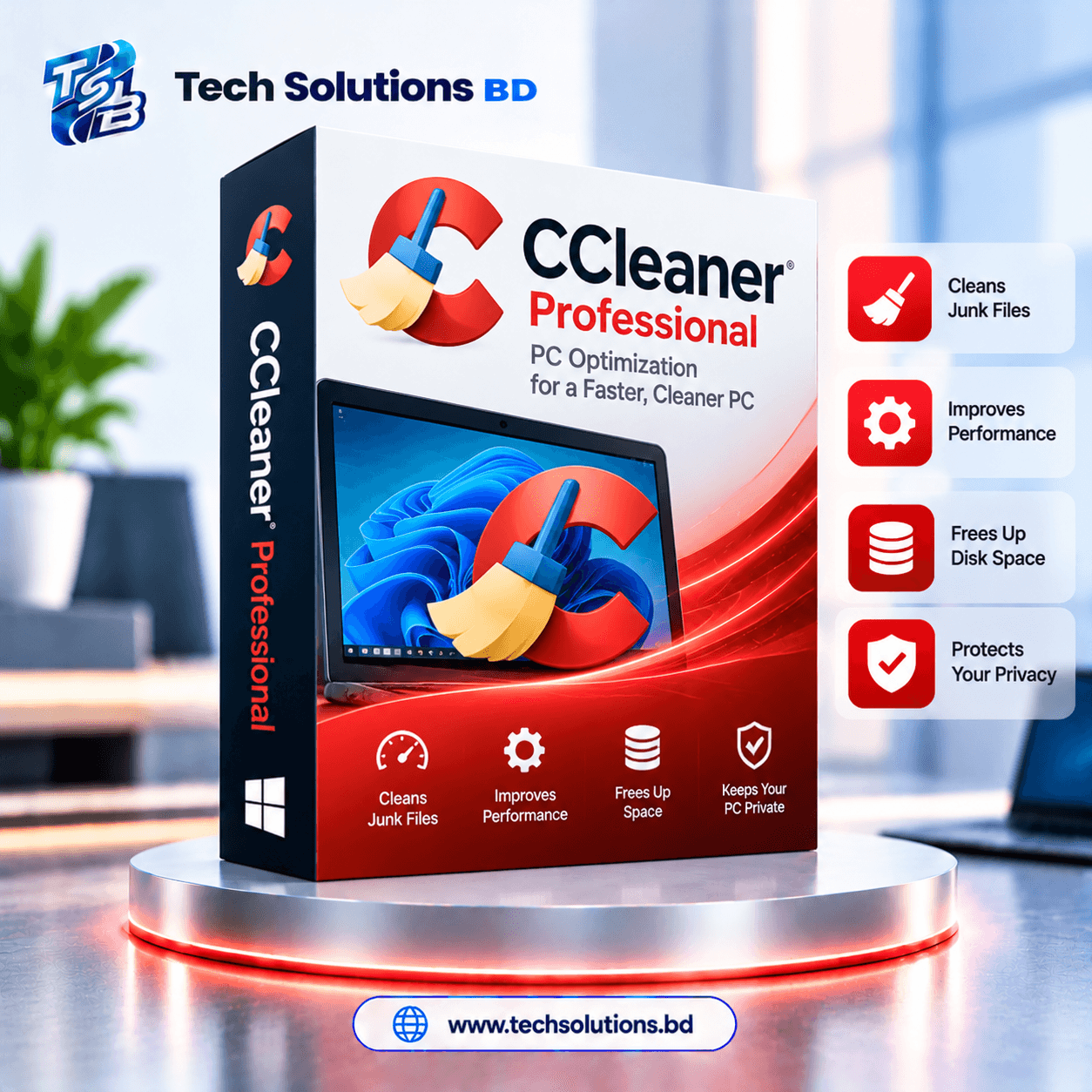
CCleaner Professional (PC) 1 Device 1 Year Genuine License Key Price in BD
📦 Product Overview
CCleaner is PC cleaning and optimization software for Windows that helps remove junk files, clean browser data, improve startup speed, update apps and drivers, and keep your computer running smoothly. Tech Solutions BD থেকে গ্রহণ করুন ১০০% অফিসিয়াল ও ভেরিফাইড CCleaner Professional ১ বছরের লাইসেন্স কি মাত্র ৮৪৯ টাকায়।
CCleaner Professional unlocks patented deep-cleaning tools, automatic background maintenance, Driver Updater, and privacy shields to keep your Windows PC running at peak performance.
✅ CCleaner Professional Key Features
- Deep System Cleaning: Removes junk files, temporary data, browser leftovers, broken shortcuts, and hidden cache files.
- Storage Recovery: Helps free up gigabytes of valuable hard drive space and improve everyday PC responsiveness.
- Privacy Guard: Cleans browser history, tracking cookies, and temporary internet files to protect your personal identity.
- PC Health Check: Analyzes, tunes, and fixes common system issues in a single automated click.
- Startup Optimization: Disables unnecessary startup programs to dramatically speed up your Windows boot time.
- Performance Optimizer (Sleep Mode): Puts resource-hungry background applications to sleep until you need them, saving CPU and battery.
- Automated Software Updater: Automatically updates popular software to patch security vulnerabilities and fix stability bugs.
- Driver Updater: Scans and updates outdated hardware drivers to improve audio, graphics, Wi-Fi, and peripheral stability.
- Cloud Drive Cleaner: Identifies and removes duplicate, redundant, or oversized files from Google Drive, OneDrive, and Dropbox.
- Automatic Scheduled Maintenance: Runs silent scheduled cleaning in the background without interrupting your daily work.
🧹 Clean Your PC and Free Up Valuable Space
CCleaner helps remove unnecessary files from your operating system, third-party apps, and all major web browsers. By clearing temporary files, browser junk, tracking cookies, and other leftover data, it helps recover vital SSD/HDD storage space and keeps your Windows PC organized and uncluttered.
⚡ Improve Startup Speed and Everyday Performance
Slow startup and excessive background activity can make a computer feel sluggish and unresponsive. CCleaner identifies startup bloat and lets you disable unnecessary tasks. With Performance Optimizer, selected apps are placed into Sleep mode, reducing background RAM consumption and extending laptop battery life.
🔒 Protect Privacy by Cleaning Browser Data
CCleaner supports strict privacy maintenance by helping remove browser history, temporary internet files, tracking cookies, and saved cache across Chrome, Edge, Firefox, Opera, and Brave. This gives you complete control over the personal footprints stored by web browsers and desktop apps.
🔄 Keep Apps and Drivers Updated
CCleaner Professional includes comprehensive Software Updater and Driver Updater tools. The Software Updater closes dangerous zero-day security gaps in third-party software, while the Driver Updater ensures your sound card, graphics GPU, motherboard chipset, and network adapters run on certified stable drivers.
☁️ Manage Local and Cloud Storage More Easily
In addition to cleaning local drives, CCleaner includes advanced tools for finding duplicate files and scanning cloud storage. Cloud Drive Cleaner helps locate duplicated, large, or forgotten files in Google Drive, Microsoft OneDrive, and Dropbox, making cloud file management effortless.
👥 Who Will Like CCleaner Professional
- Windows users who want a cleaner, faster, and more responsive PC.
- Users frequently running low on SSD or hard drive storage space.
- People who want to erase tracking cookies and online activity records automatically.
- Laptop owners looking to reduce background battery drain.
- Home and office users who want simple, one-click PC maintenance in one place.
- Anyone who wants automatic cleaning reminders instead of manual hassle.
🔑 Official Installation & Activation Instructions
- Download and install CCleaner from the official website: https://www.ccleaner.com/download.
- Launch CCleaner and navigate to Options on the left-side menu.
- Click on About or License Information and select "Enter License Key" (or "Upgrade to Pro").
- Enter your genuine CCleaner Professional activation key provided by Tech Solutions BD.
- Click Register or Activate to immediately unlock all Professional features.